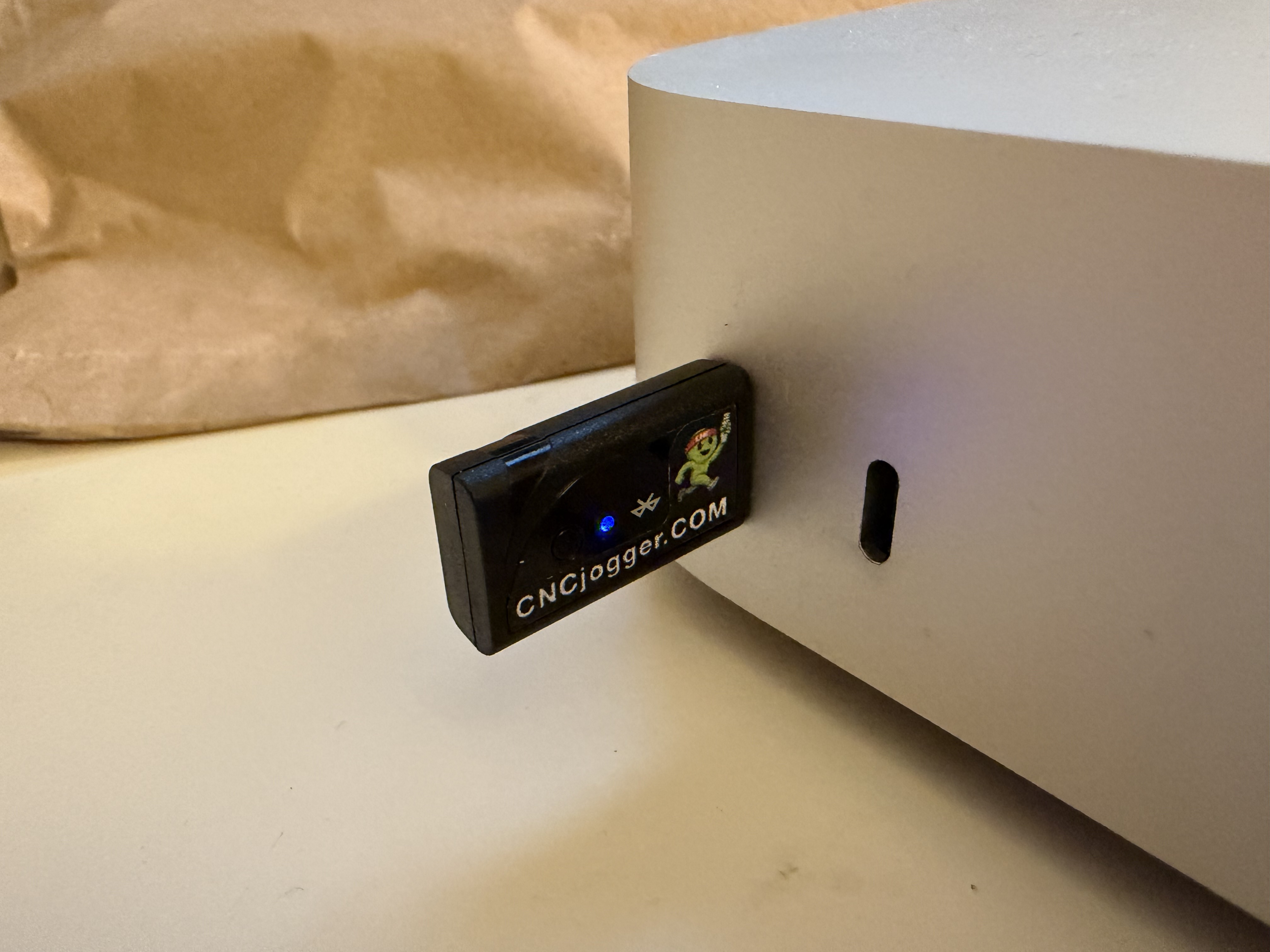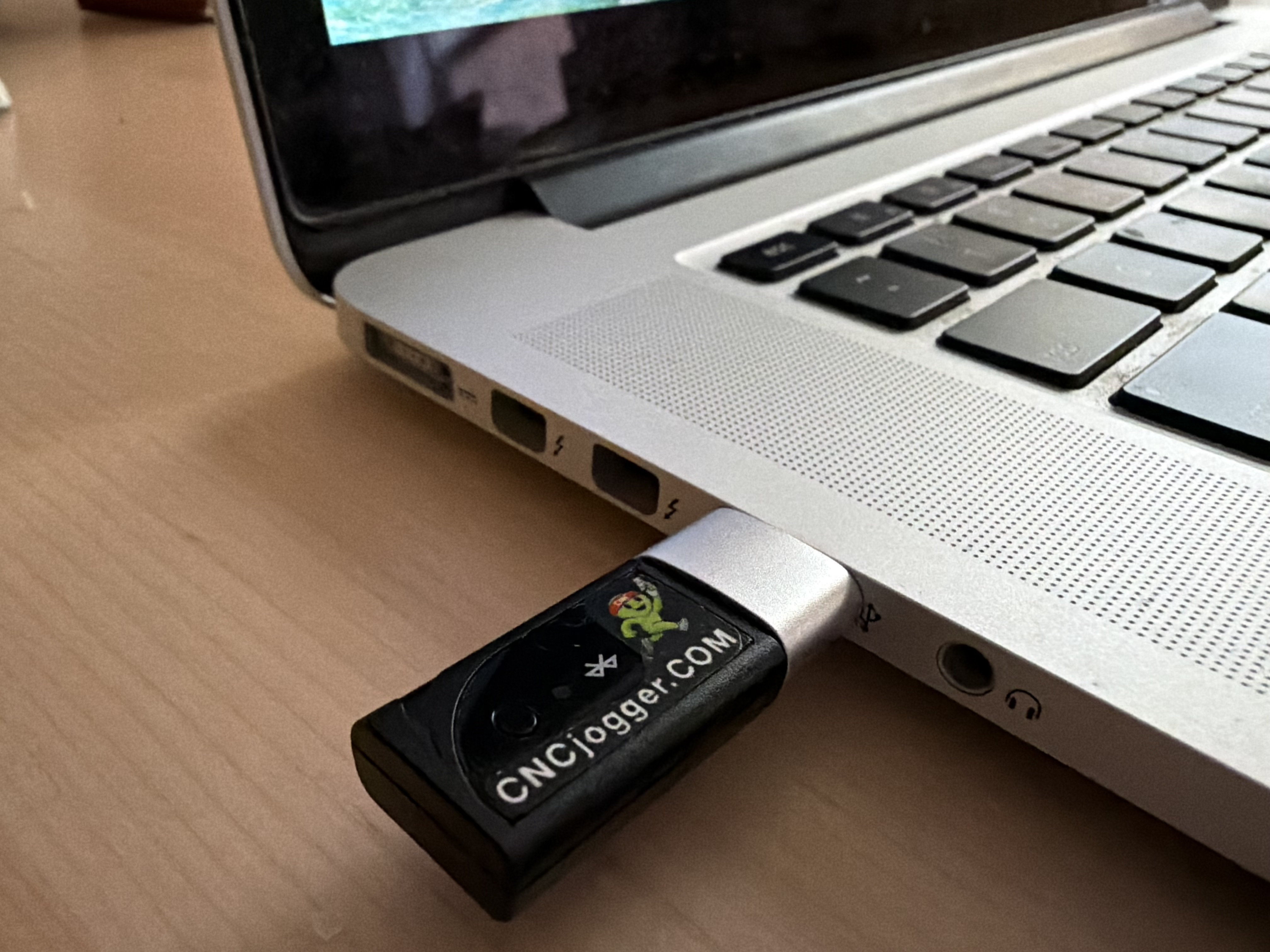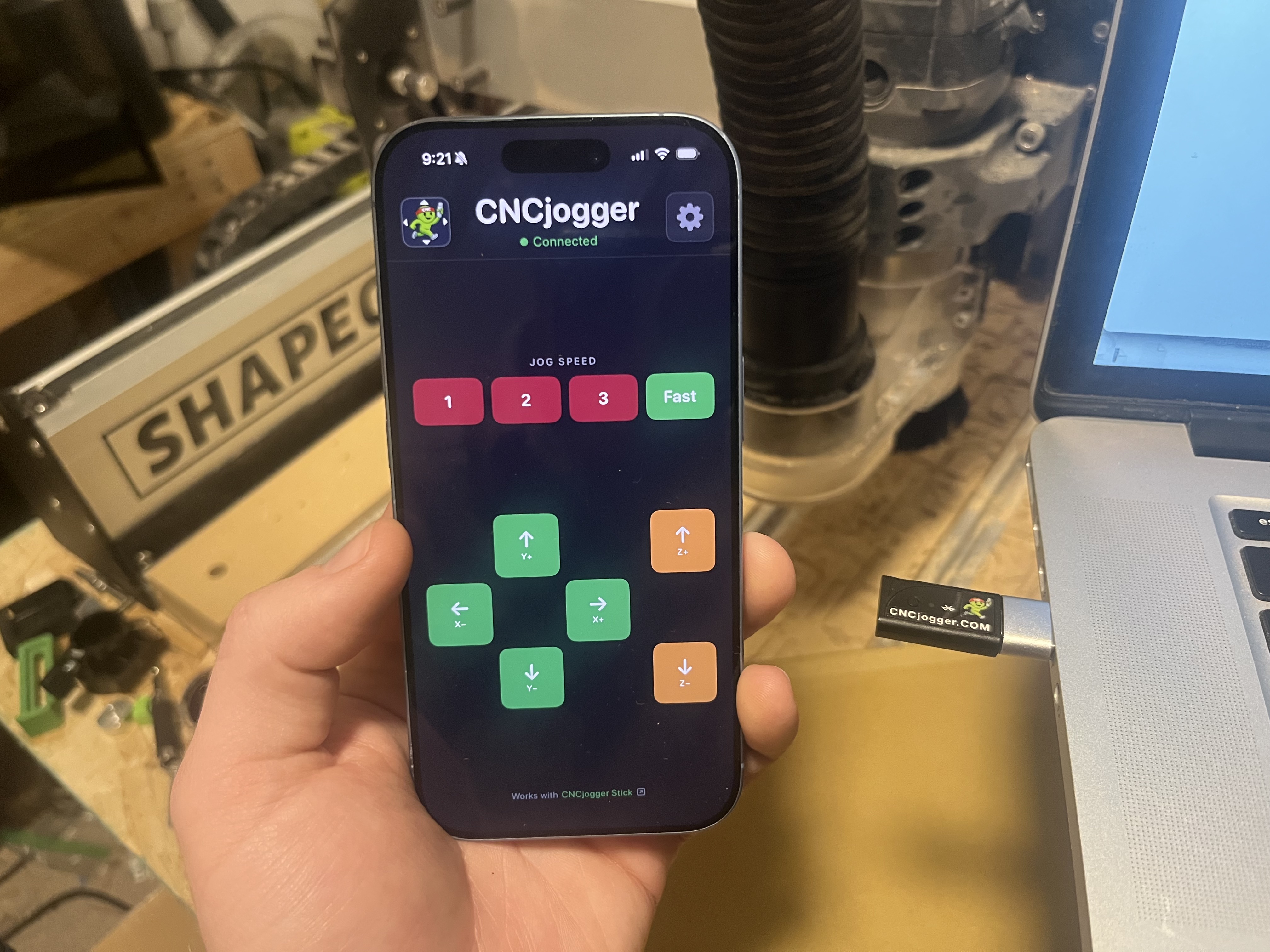
Plug in once. Control your CNC from anywhere in the shop. No drivers, no software to install — it shows up as a regular plug-and-play keyboard.
Insert the CNCjogger Stick into any USB port. LED lights up. No drivers needed. USB-C to USB-A adapter included.
Search "CNCjogger" on the App Store. It's free. Select your CNC software — it connects automatically.
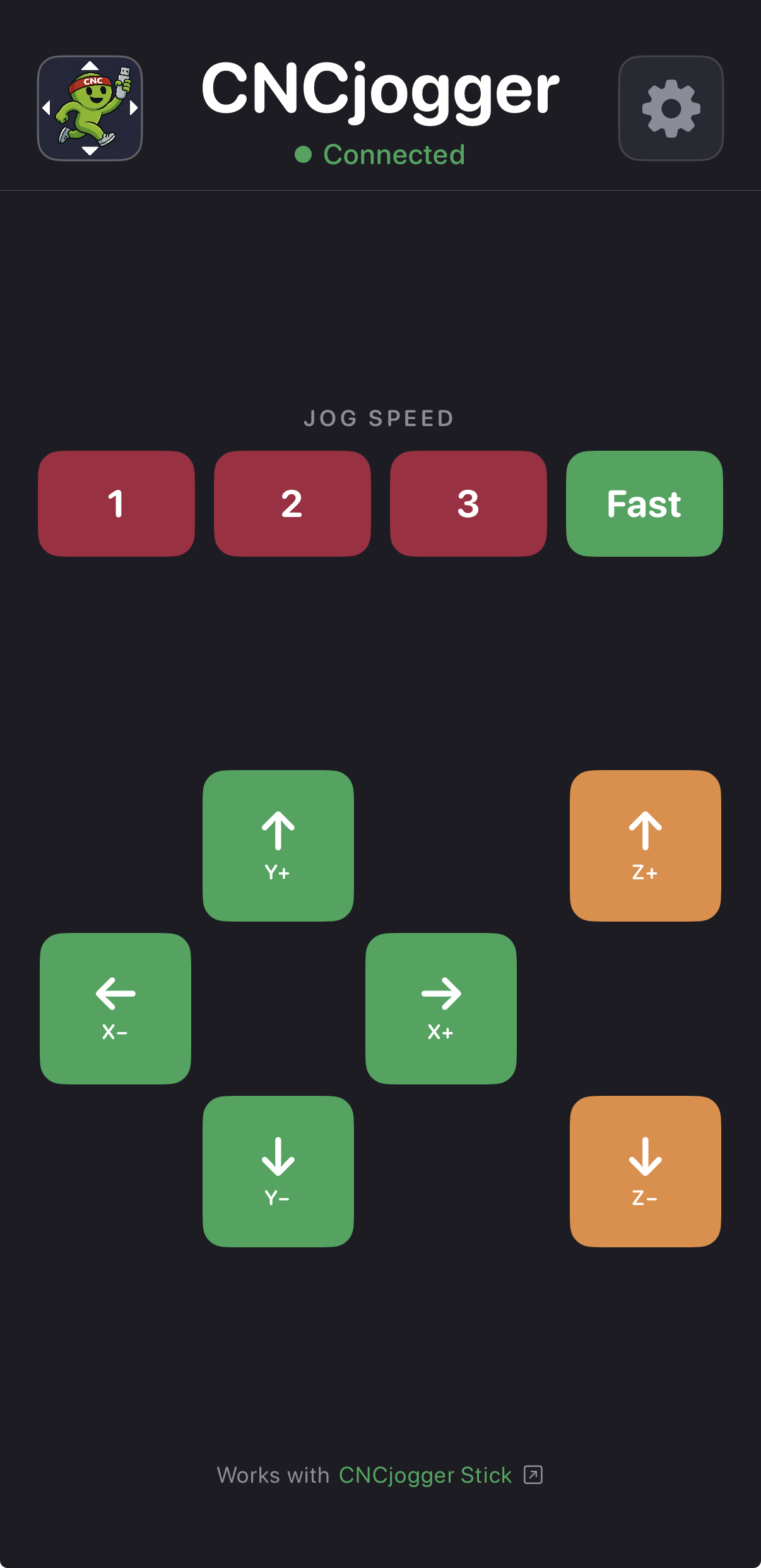
Tap any direction to move your axes. X, Y, Z with haptic feedback. Walk around the shop — the connection is solid.
No cables tethering you to your machine. Control from across the room, around the corner, behind enclosures. Approximately 30 feet range in typical shop environments.
Carbide Motion, UGS, Easel, Mach3, OpenBuilds CONTROL — pre-configured and ready to go. Custom Layout mode lets you assign any keycode to any button for any other software.
No drivers, no firmware updates, no configuration. Plug the CNCjogger Stick into any USB port and it shows up as a standard keyboard. USB-C to USB-A adapter included.
Tap to nudge, tap again to keep going. Haptic feedback under your thumb confirms every press. Your phone is already in your pocket — no extra device to charge.
If the software controlling your CNC machine supports keyboard jogging, CNCjogger works with it.
CNCjogger sends keyboard shortcuts compatible with third-party CNC software including Carbide Motion, Universal Gcode Sender, Easel, Mach3, and OpenBuilds CONTROL. CNCjogger is not created by, endorsed by, or affiliated with the companies that make or distribute those products.